01
Android
Available RecommendedInstall from Google Play for automatic updates, or download the APK directly.
 AirQR
AirQR
AirQR 1.0 is ready
AirQR turns any file into animated QR codes. The other device scans the screen and rebuilds the file, even when some frames are missed.
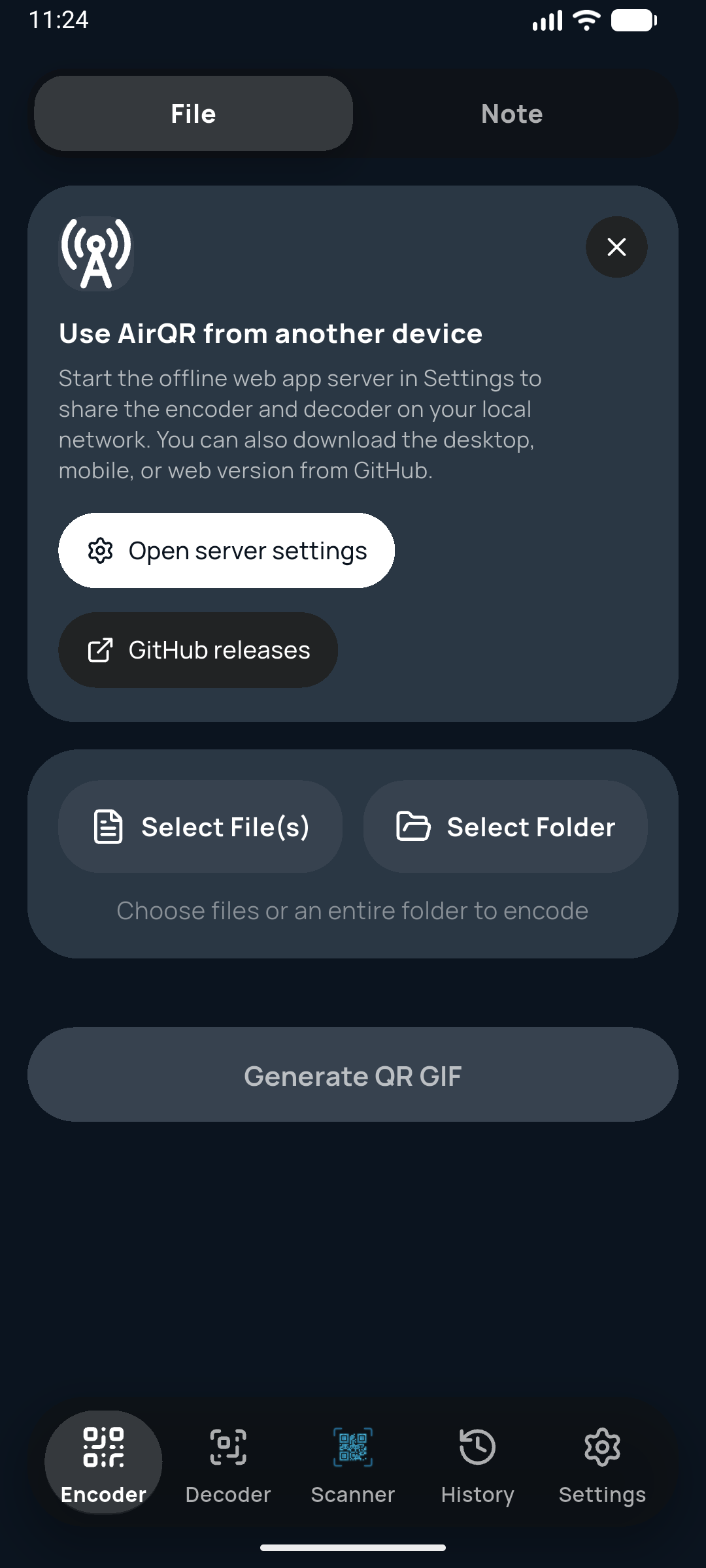
Encode on one screen. Scan on the other.
02 / DOWNLOADS
We detected your device. The recommended option is marked below.
Install from Google Play for automatic updates, or download the APK directly.
The native iPhone app is in progress. Use the live web demo in Safari in the meantime.
Choose the setup executable for a normal installation. The ZIP is a portable alternative with no installer.
Download the x64 DEB package for current Debian and Ubuntu desktop systems.
The native macOS build is coming later. The live web app works now in Safari, Chrome, and Firefox.
One self-contained HTML file. Save it once, open it locally, and use AirQR without installing anything or going online.
03 / HOW IT WORKS
AirQR splits it into resilient packets on your device.
No upload happens. The data travels as light between screens.
The receiver restores the file even if a few frames were missed.
LOCAL BY DESIGN
AirQR does not need a transfer cloud. Encoding and decoding happen on the devices you control, and the offline HTML version can run with no network connection at all.
View release notes